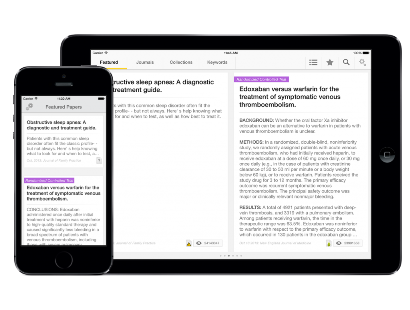
BMJ Best Practice

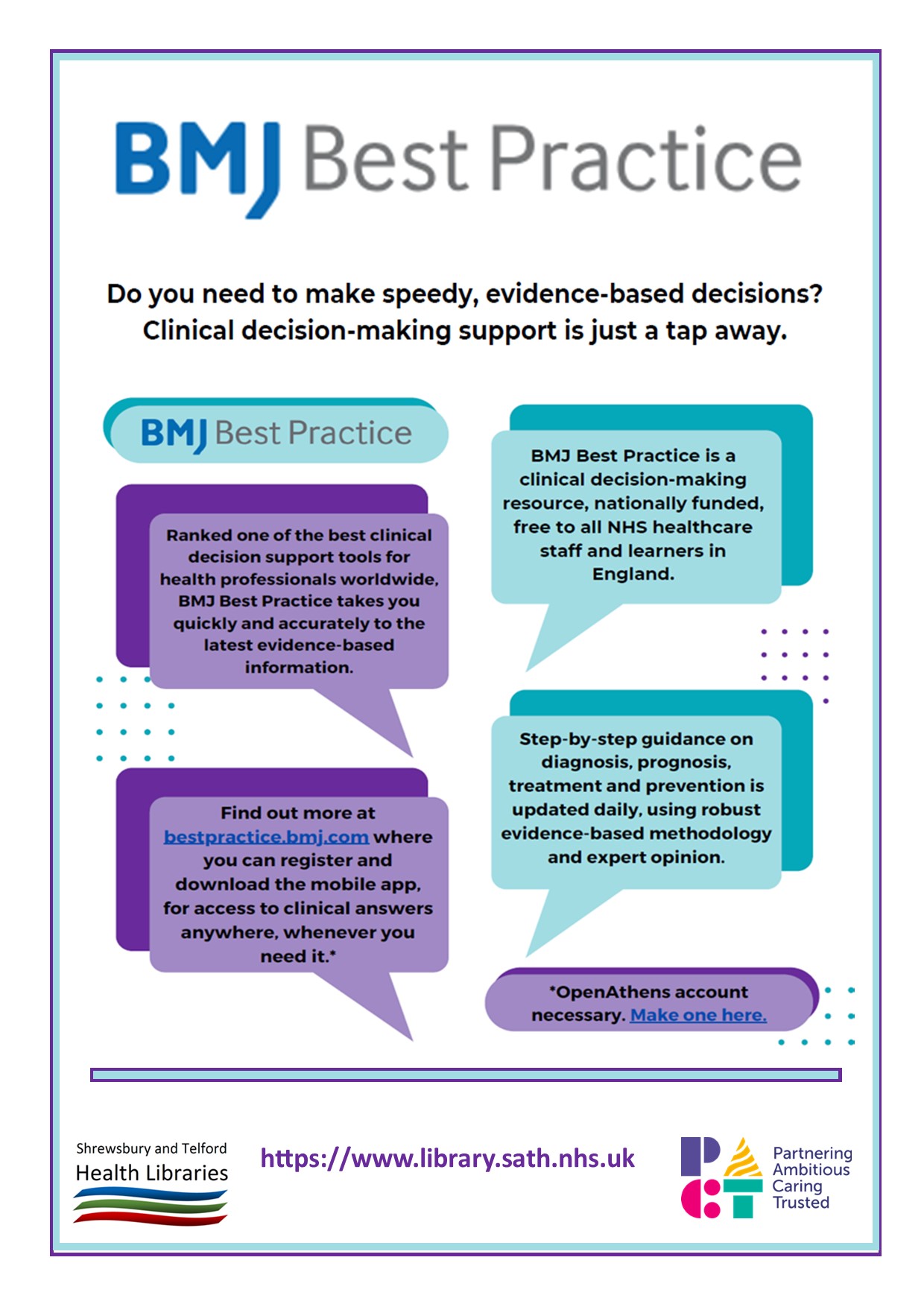
BMJ Best Practice provides access to the latest evidence-based information for healthcare professionals,  with advice on symptom evaluation, test ordering, treatment approach and follow up. It also offers clinical calculators, patient information leaflets and some procedural videos.

BMJ Best Practice offers

  • Daily updates of evidence summaries covering over 1,000 conditions
  • 250 clinical calculators
  • 400 patient leaflets
  • Procedural videos and images
  • Links to BNF and BNF for Children for drug information, and Cochrane Clinical Answers for more evidence

Ask at Shrewsbury or Telford Health Library if you need help or more information. 

Board Games

The Shrewsbury and Telford Health Libraries can provide you with educational board games to borrow. These are fun ways to learn and revise or can be used as hybrid teaching tools. We have various games covering a range of subject matters, including sepsis, care, nutrition, hydration, domestic abuse and communication. Come and visit us to browse and borrow one now!


BMJ Best Practice Comorbidities Manager

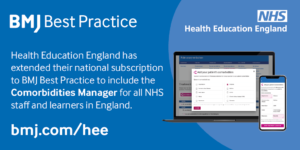
Access to BMJ Best Practice has been extended to include the Comorbidities Manager. In the UK, one in three adults suffer from multiple chronic conditions and most patients in the acute setting have more than one medical condition.

The BMJ Best Practice Comorbidities Manager supports the management of the whole patient by including guidance on the treatment of a patient’s acute condition alongside their pre-existing comorbidities.

Available on desktop or app, NHS staff and learners in England can use BMJ Best Practice for free via an NHS OpenAthens account.

Making finding full-text easier

Whether you've got the title of an article you're looking for, want to look at the latest issue of a journal, or want to be able to access full-text articles when searching the web, there are a number of ways library and knowledge services can help.

From searching within the NHS Knowledge and Library Hub, using BrowZine, using LibKey Nomad, or using Google Scholar Library Links, our short guide and video show you how to make finding full-text a bit easier.

And if there is no full-text available, it's easy to request items from the library and let us do the leg-work!

Watch the video

Using Trip Pro to locate evidence

Trip Pro is a database that can help you locate material such as guidelines, evidence summaries, systematic reviews and much more.

The basic version of Trip can be searched by anyone, but the NHS has made the Pro version available and this offers more systematic reviews, medical images and advanced search features.
Trip Pro can be accessed on any PC within Shrewsbury and Telford Hospital NHS Trust, and off-site access is available via an NHS OpenAthens account. When you login with NHS OpenAthens, Trip Pro will automatically provide you with links to full-text articles (where available) including those available through our journal subscriptions.

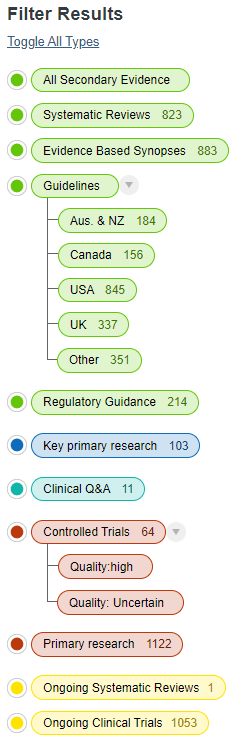
Trip offers a fairly basic interface, but you can filter results in a number of ways using the filters on the left-hand side. These include a filter for UK guidelines, making it easy to find any NICE guidance, along with guidance from Royal Colleges and other professional bodies. Trip claims to have the largest international collection of guidelines, and these can be filtered by region.

The filter for controlled trials offers an interesting feature whereby the RobotReviewer tool has been used to estimate the quality of trials as either 'high' or 'uncertain' based on the abstract, so a certain amount of critical appraisal has been carried out.

There are also filters for ongoing systematic reviews and clinical trials.

Although Trip Pro does not systematically search the journal literature, it does include a number of results classed as primary research, and these can be filtered to 'key primary research' or just 'primary research'. It's not clear how the distinction is made.

Trip offers a guide to which sources it searches.

Trip Pro searches a number of the resources that were covered by the NICE Evidence Search and is a partial replacement for it as NICE Evidence Search is closing at the end of March.



Accessing full-text is even easier in KnowledgeShare evidence updates

There has been a change in the way full-text links in KnowledgeShare Evidence Updates are provided that should make it easier for you to access the full-text of articles you are alerted to.

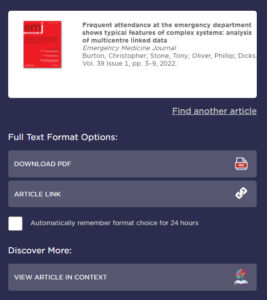
Where a resource (usually a journal article) has a link that says ‘Check for full-text availability’ you'll be taken to the LibKey system. The first time you use it, you'll need to specify which organisation you work for. Once you've done that, you'll be provided with links to the full-text (if we have access) or a link to our request form (if we don’t) which will automatically populate with the resource details to make it really easy to order a copy.

You'll need an NHS OpenAthens account to view full-text articles or to order items from us.

You may also see a link to 'View article in context' and this will allow you browse the contents of the journal issue where the article is.

If you haven't already signed up, our KnowledgeShare Evidence Update service is a personalised current awareness service allowing you to receive new evidence on topics  tailored to your requirements. It covers policy documents, guidance, reports, and a range of summarised evidence, so you won’t be inundated with primary research articles, and emails are sent each fortnight.


Get easier access to journal articles with LibKey Nomad

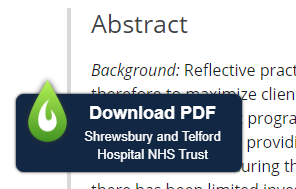
LibKey Nomad is a browser extension available for Edge, Chrome and Firefox that makes accessing the full-text of journal articles much easier. Once installed it indicates if an article is available in full-text through your library. Simply install the extension and select the organisation you work for. It works for all NHS organisations, so is available to staff of Shrewsbury and Telford Hospital NHS Trust and Shropshire Community Health NHS Trust.

As well as checking library subscriptions, LibKey Nomad also checks to see if the article is available via open access.

LibKey Nomad works on many publisher websites, along with PubMed and Wikipedia, and adds links to access the full-text or PDF (where available) making it easier to login and access the full-text quickly.

Visit our website for more browser extensions and mobile apps to make finding the evidence easier.

Mobilising Knowledge with Peer Assists

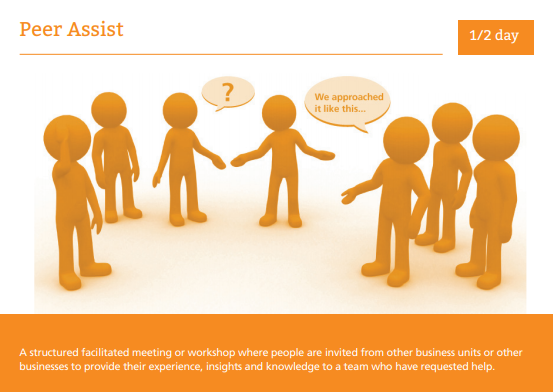
A peer assist is a knowledge management tool where peers (perhaps four or five people) from another team are invited to share insights, experience and knowledge at a facilitated meeting.

This might be to support a team that are looking to embark on a project or service change, or that have a specific problem or challenge, and want to know what worked (or what didn't) from another team that has similar experience. A peer assist can bring knowledge and experience to the point of need.

Peer assists allow people to learn from other people's experiences and knowledge, establish an open culture of learning, support networking, and stimulate new perspectives. They are part of the process of 'learning before doing' and are about gathering knowledge before embarking on an activity or project, or when facing a difficulty in the course of related events.

The home team asking for the peer assist needs to have clear objectives of what they want to gain from the meeting. Peers can come from within the organisation, or outside it, but are people with experience of the issue.

How do they work?

  • A facilitator is appointed, and lots of notice given. Background information is circulated to the home team and the visiting peers
  • Allow some time for socialising before the meeting, to build some rapport between the home team and the visitors
  • At the meeting, the home team presents the context and any plans, issues and opportunities, and say what they'd like to get out of the meeting
  • The visiting peers ask questions, and provide feedback on what worked (or what didn't) for them, and provide recommendations, options or guidance
  • The home team reflects on what's been said, and examines options
  • The visitors provide feedback, answer questions, and suggests some actions for the home team

Meeting can be face-to-face or virtual, and the time can be anything from 1.5 hours to half a day (or even longer if necessary!). Flipcharts are ideal for face-to-face meetings, but someone on the home team should take detailed notes as well.

It's important to remember that as well learning from experience, the evidence base needs to be taken into consideration as well when making decisions. Library staff are able to conduct evidence searches to support decision-making, or find case studies or what worked elsewhere.

Peer assists are not peer reviews - the visiting team are not coming to critique the home team, but to transfer knowledge.

Further reading


Keep informed of the latest research with 'Read by QxMD'

If you're looking for an easy way to see the latest articles in your favourite journals or on keywords of interest, Read by QxMD can help.

It's an app and website that tracks articles in healthcare journals and alerts you to new ones matching your interests. More than that, it can make finding the full-text easy as it links to our journal holdings, or locates open access copies. The app version can store your NHS OpenAthens account details - no more logging into OpenAthens each time you want to access an article!

It's free to create a Read by QxMD account, and you can link your account to the journal holdings of Shrewsbury and Telford Hospital NHS Trust, Shropshire Community Health NHS Trust, Staffordshire University or Keele University.

You can also add papers to your own virtual collections, recommend papers, and discuss articles.

An alternative to Read by QxMD is our KnowledgeShare service that can now offer tables of contents by email.